Guidance between sessions

The SogilityGO App

The SogilityGO app turns individual practice into a guided routine. Choose the work, follow a clear objective, and keep track of completed sessions.

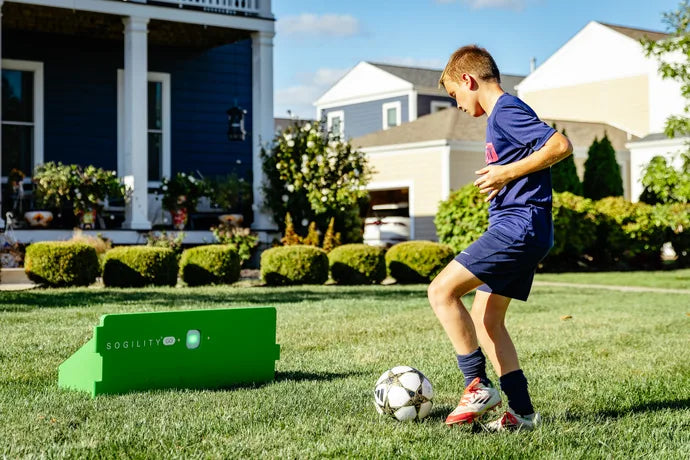
With ReboundIQ and Impact Lights, the app connects the plan to the repetition, giving every session a focus before the ball starts moving.

SogilityGO player profile and skill progress screen
Guided activity Player progress
200+ activities Technical work with clear direction

From assessment to next step

Plan. Train. Track.

With SogilityGO Coach, an assessment creates the starting point. Virtual Coach then organizes a personalized 10-day plan, guides each session, and uses updated results to show what comes next.

Step 01

Plan

Establish the baseline, then build the plan

Set the baseline

Complete a five-part assessment covering First Touch, Passing, Dribbling, Vision, and Agility.

Get a 10-day plan

Virtual Coach uses the assessment results and selected goals to organize ten days of guided work.

Step 02

Train

Follow each day's work with purpose

Open today's session

See the activity, objective, and development focus before the first repetition.

Train with direction

Setup guidance and clear objectives show how to complete the activity and what the work is meant to develop.

Step 03

Track

See progress. Reassess. Keep developing.

See the work add up

Completed sessions and earned XP make consistency visible across the 10-day plan, so players can see the routine they are building.

Reassess and refocus

Repeat the five-part assessment to update the player profile and skill scores, then use the new results to identify where training should focus next.